The quiet, on your screen.
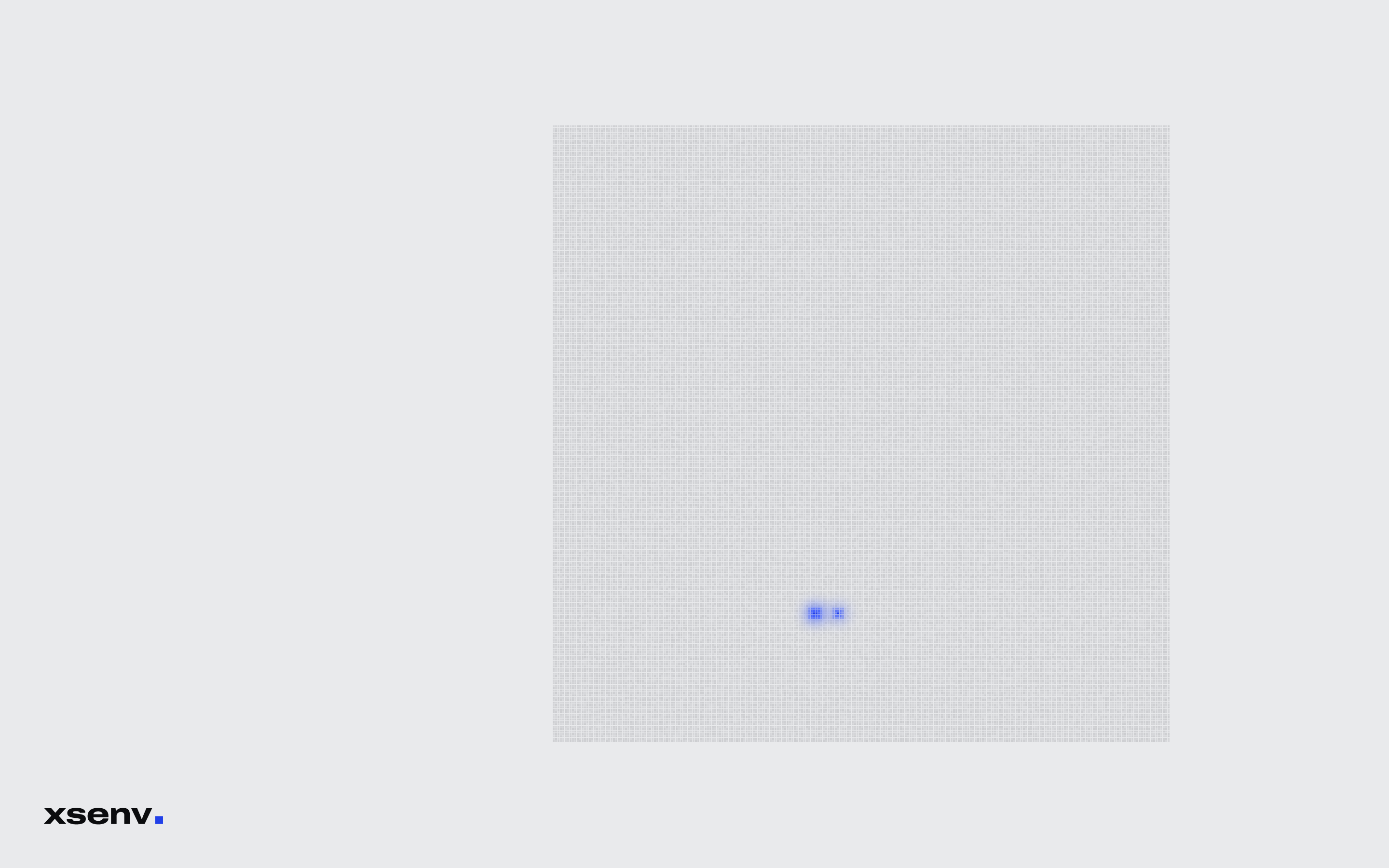
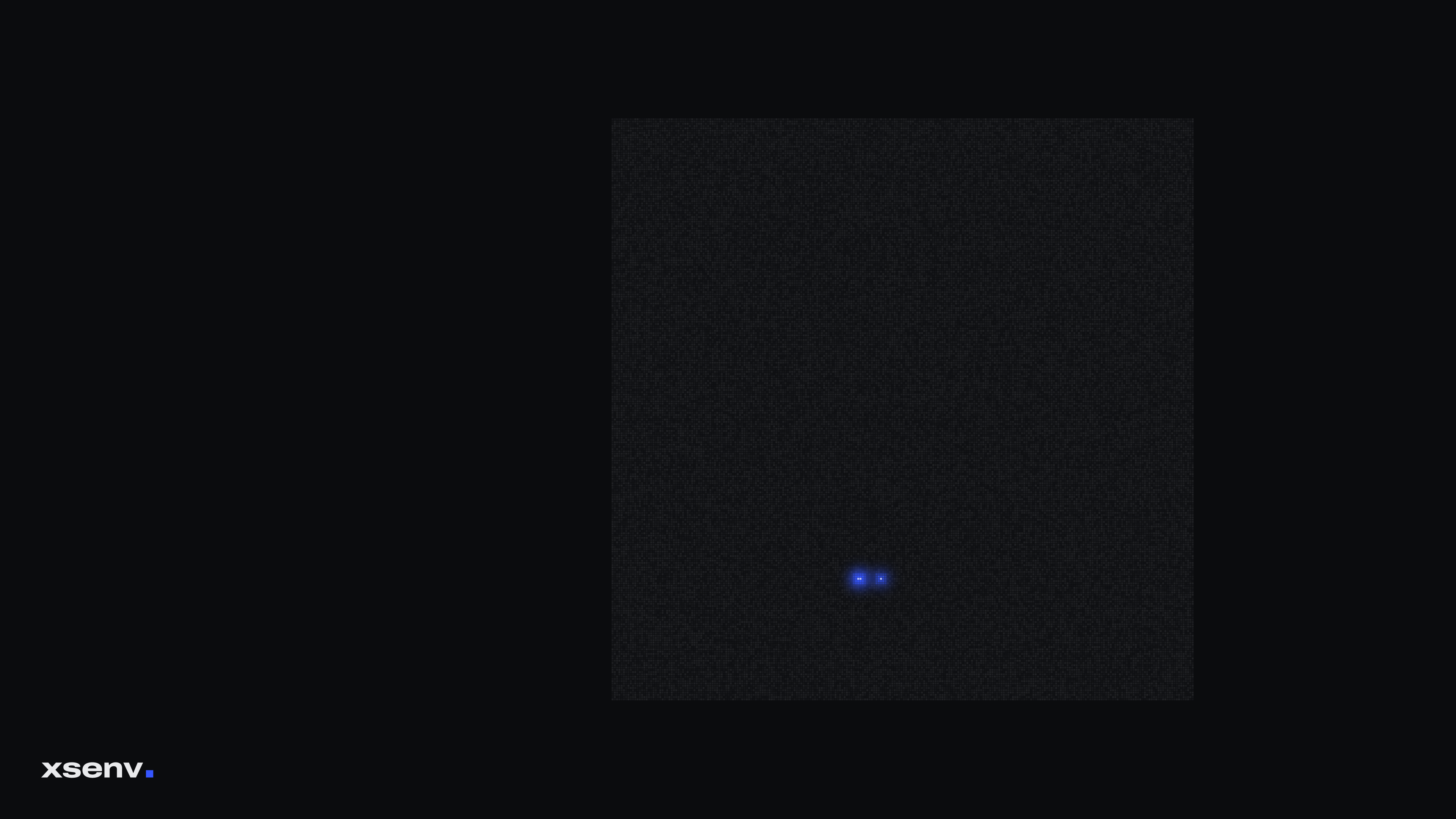
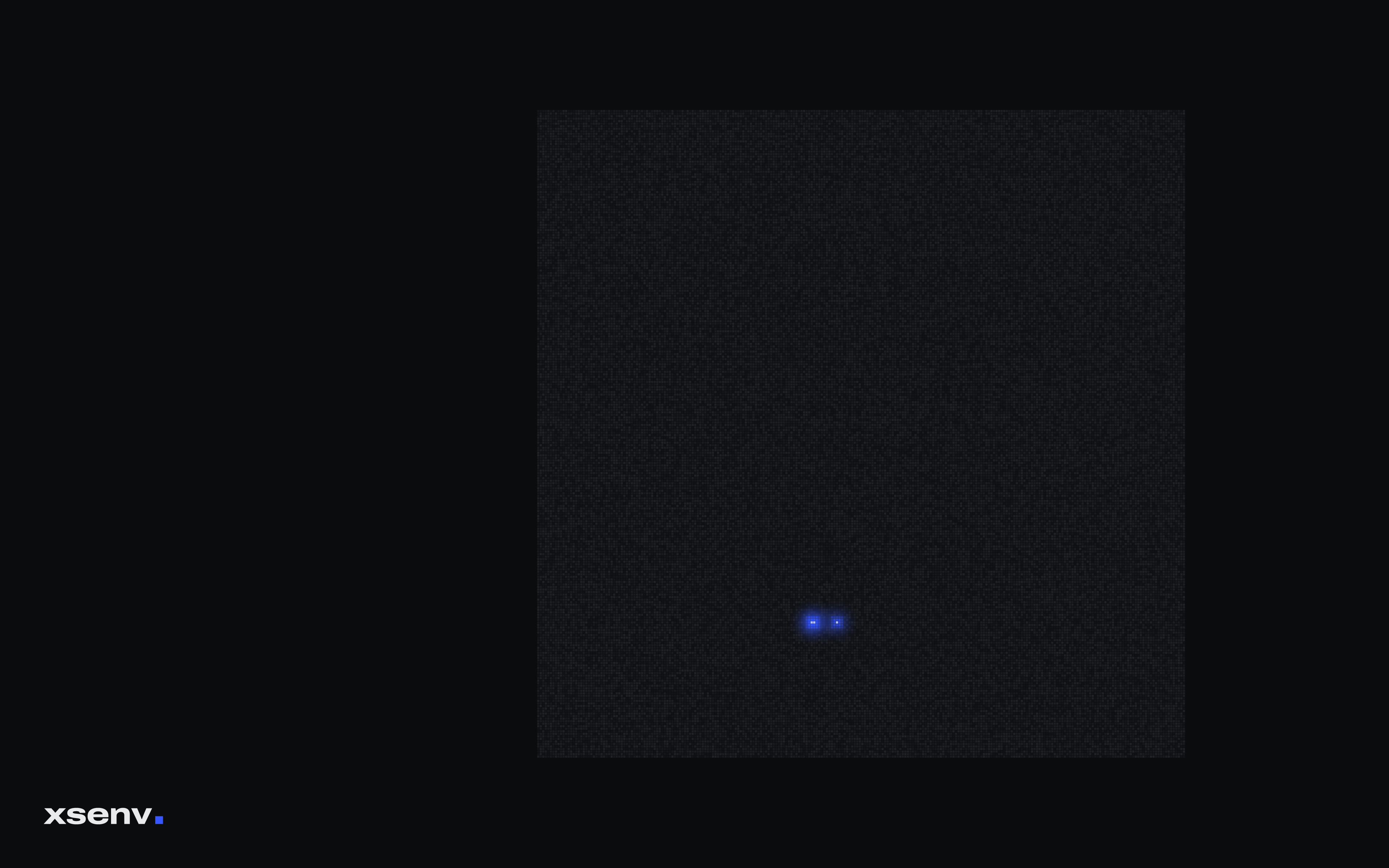
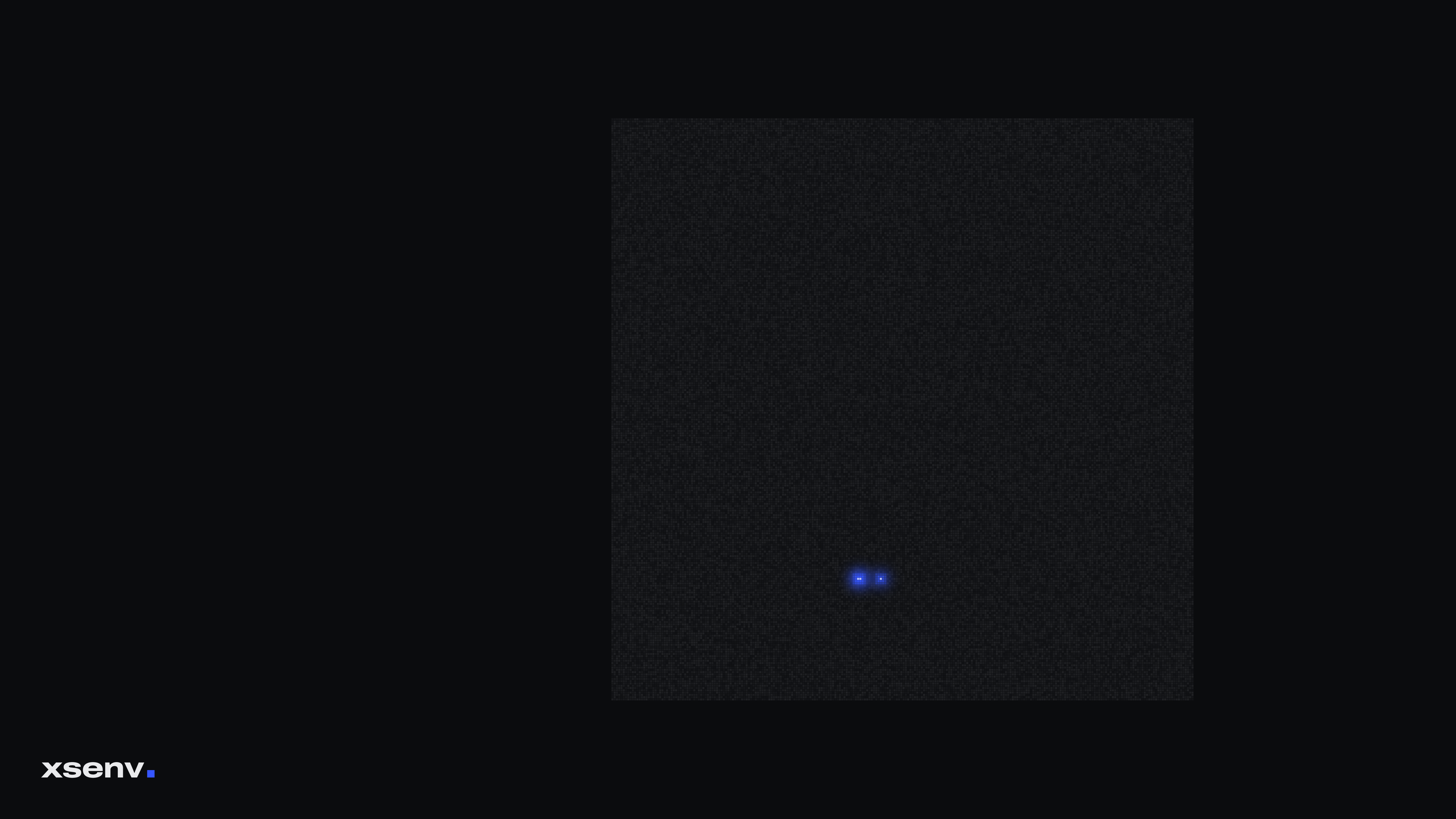
Every port of an xsenv deployment, one cell each: 65,536 of them, none answering. The three that glow are WireGuard, open only to keys they know.
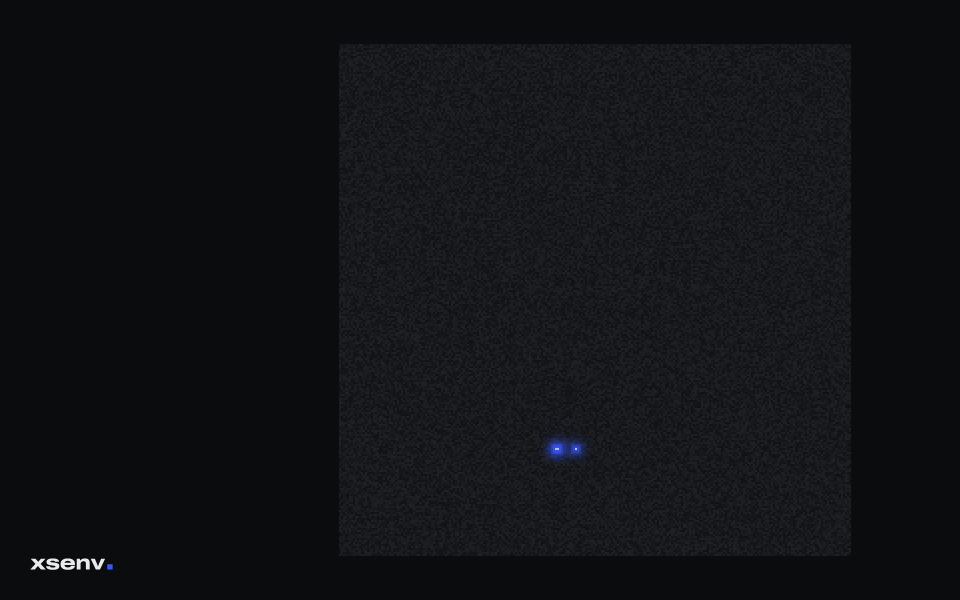
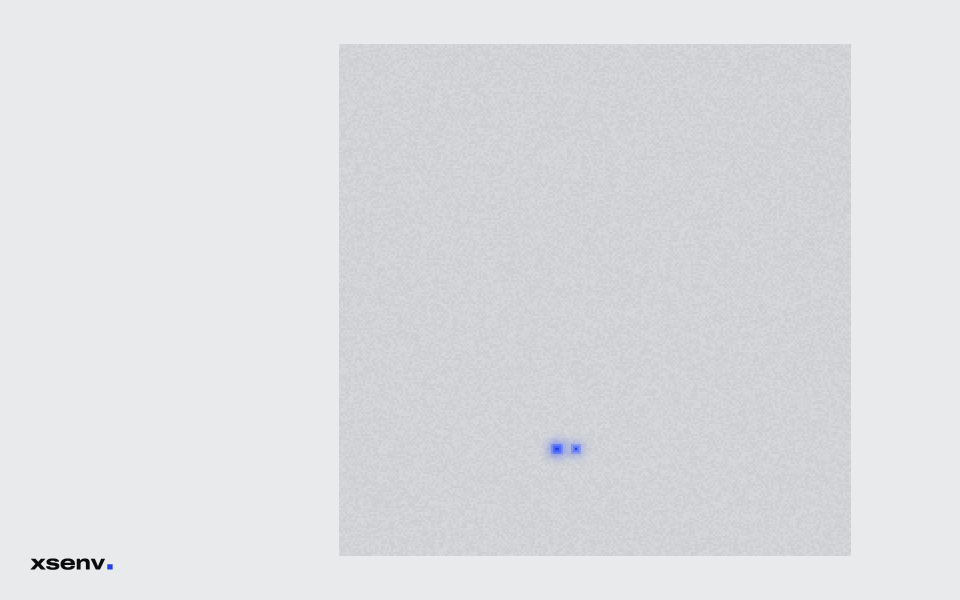
Pick your size.
PNG files, made from the same field as the front page at every publish. The Latitude 7450 we use is 1920 × 1200.
| Screen | Shape | Dark | Light |
|---|---|---|---|
| 1280 × 800 | 16:10 | PNG, 76 KB | PNG, 70 KB |
| 1366 × 768 | 16:9 | PNG, 78 KB | PNG, 72 KB |
| 1440 × 900 | 16:10 | PNG, 81 KB | PNG, 75 KB |
| 1600 × 900 | 16:9 | PNG, 81 KB | PNG, 76 KB |
| 1680 × 1050 | 16:10 | PNG, 91 KB | PNG, 84 KB |
| 1920 × 1080 | 16:9 | PNG, 99 KB | PNG, 90 KB |
| 1920 × 1200 | 16:10 | PNG, 100 KB | PNG, 92 KB |
| 2560 × 1080 | 21:9 | PNG, 102 KB | PNG, 94 KB |
| 2560 × 1440 | 16:9 | PNG, 120 KB | PNG, 108 KB |
| 2560 × 1600 | 16:10 | PNG, 123 KB | PNG, 111 KB |
| 2880 × 1800 | 16:10 | PNG, 158 KB | PNG, 143 KB |
| 3440 × 1440 | 21:9 | PNG, 146 KB | PNG, 133 KB |
| 3840 × 2160 | 16:9 | PNG, 184 KB | PNG, 168 KB |
| 3840 × 2400 | 16:10 | PNG, 200 KB | PNG, 181 KB |
| 5120 × 2880 | 16:9 | PNG, 229 KB | PNG, 210 KB |
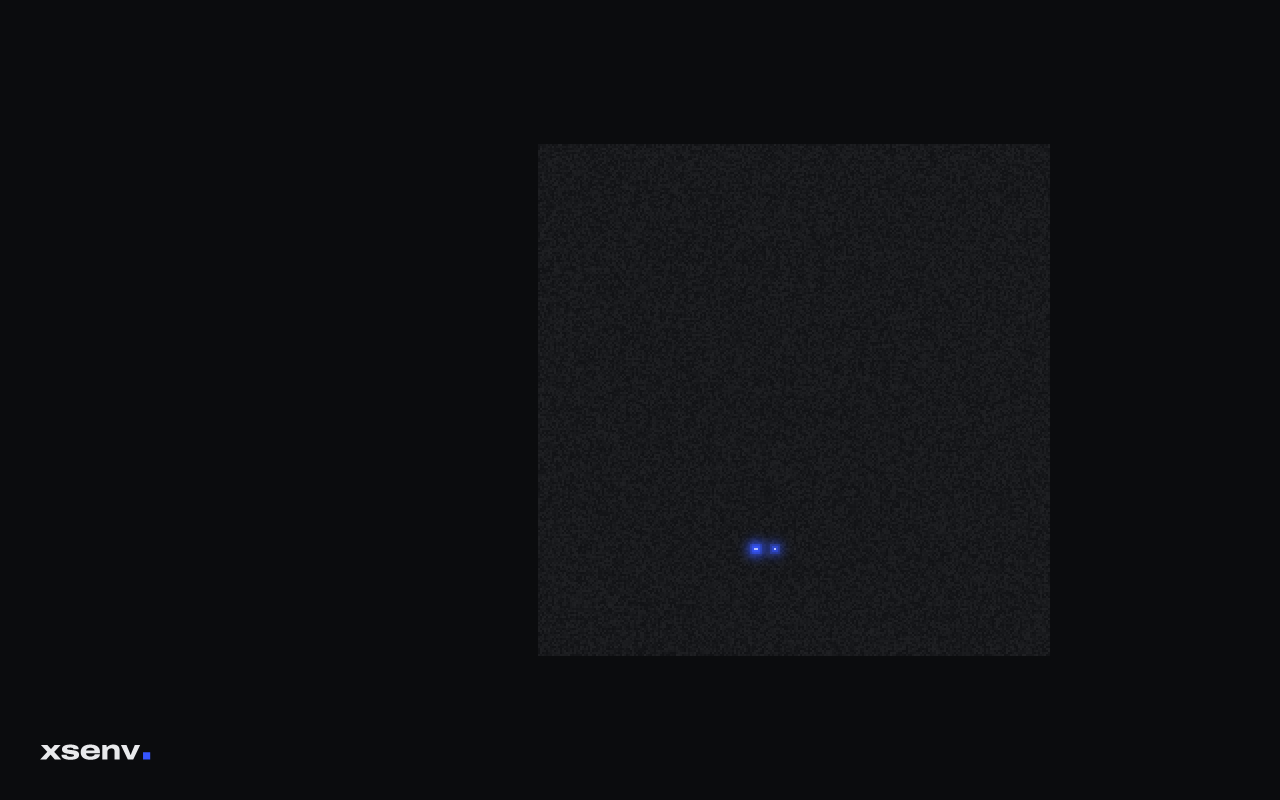

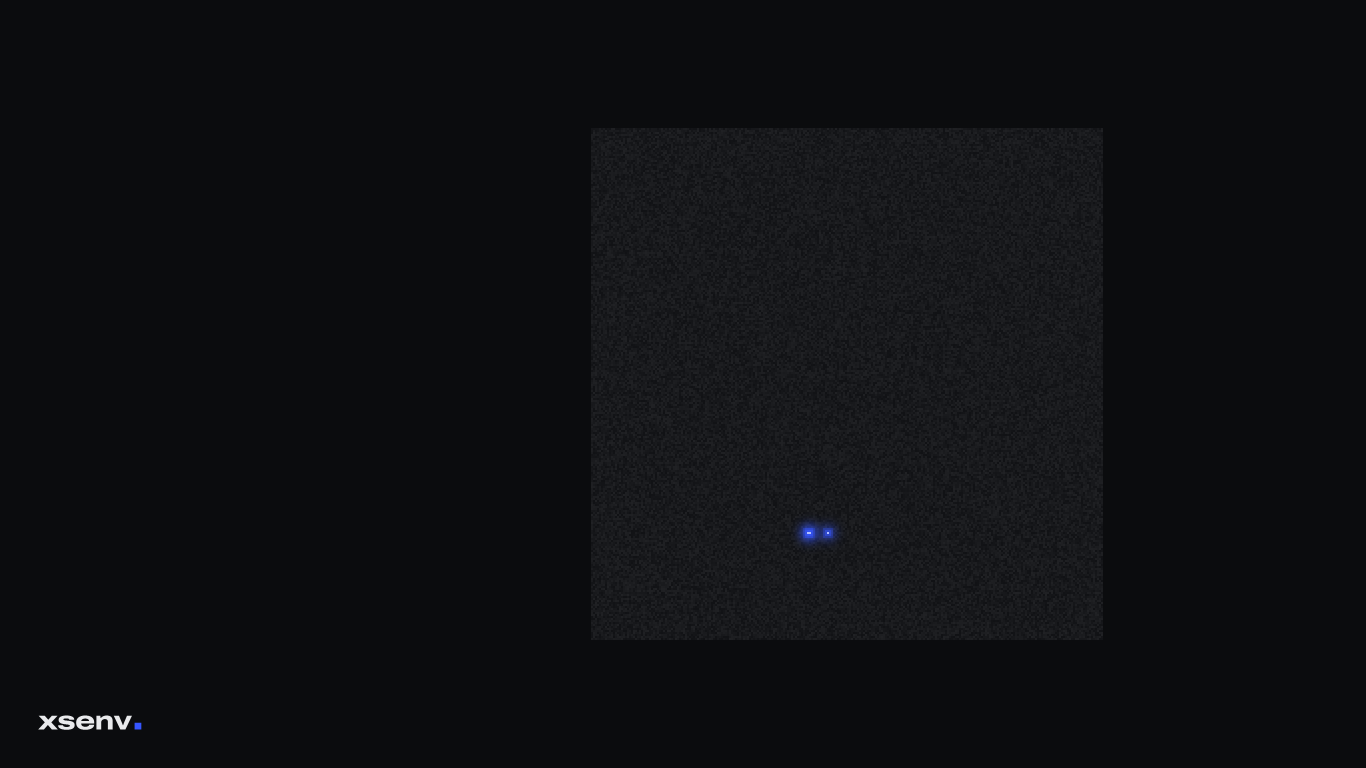

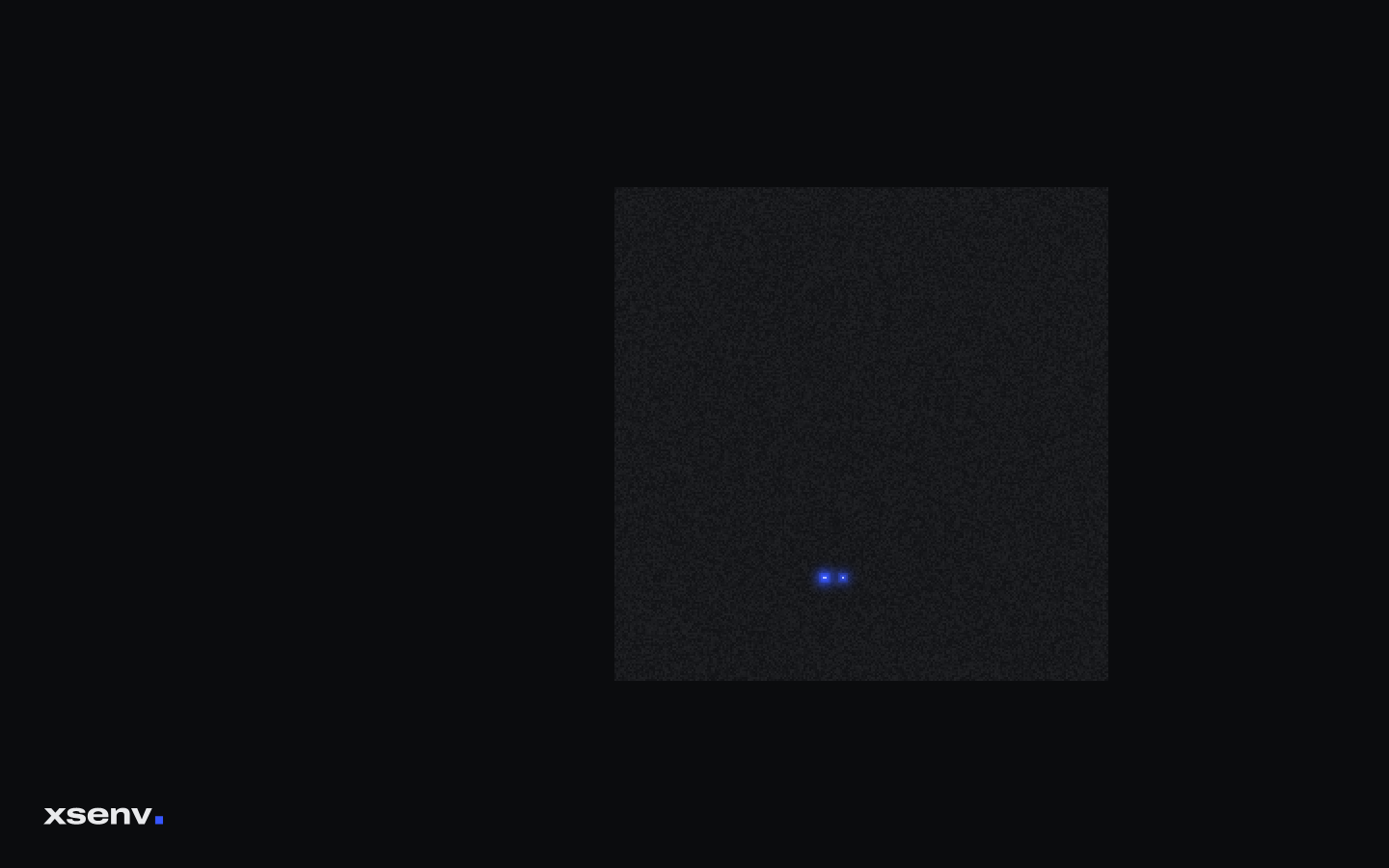

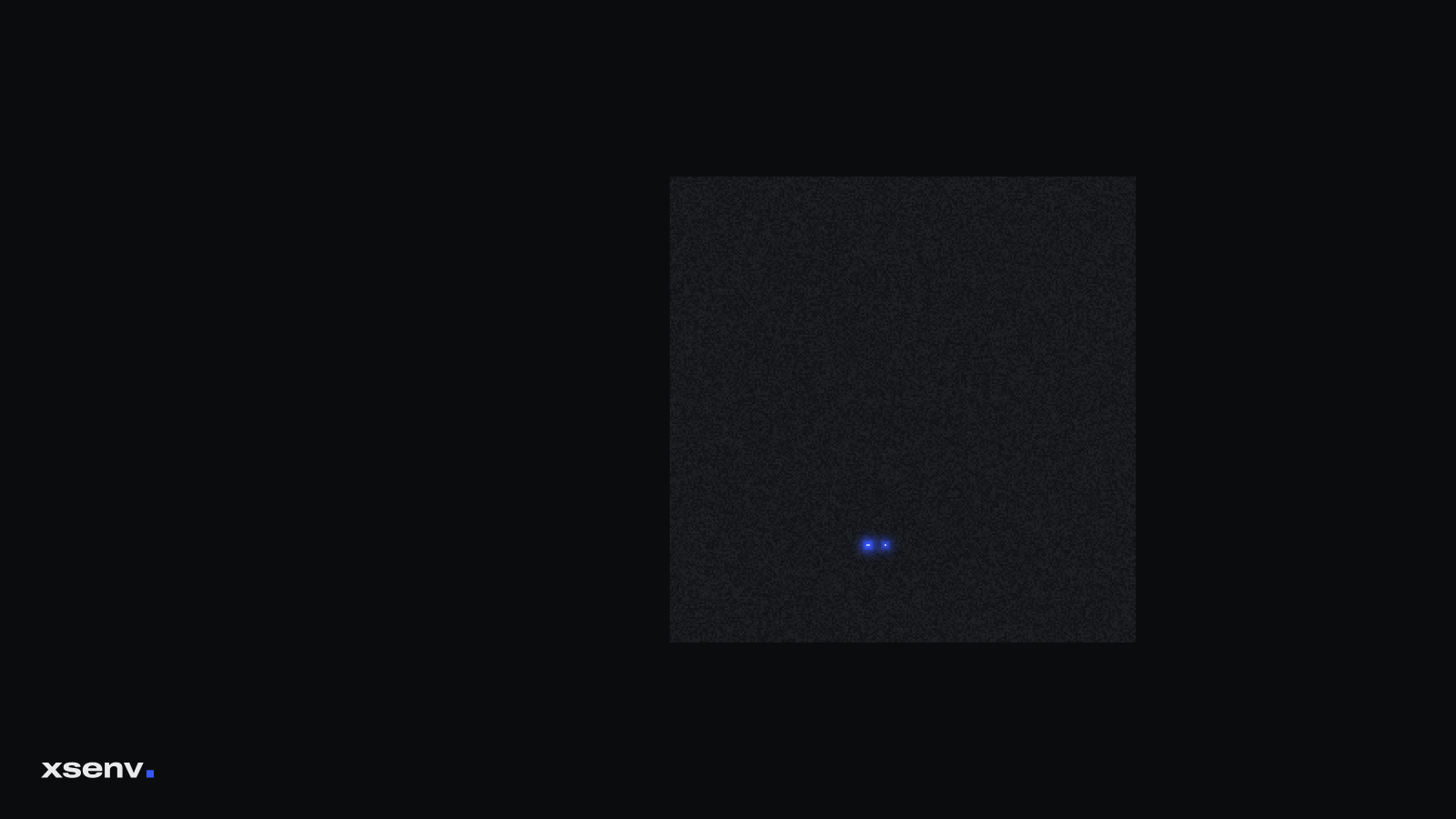

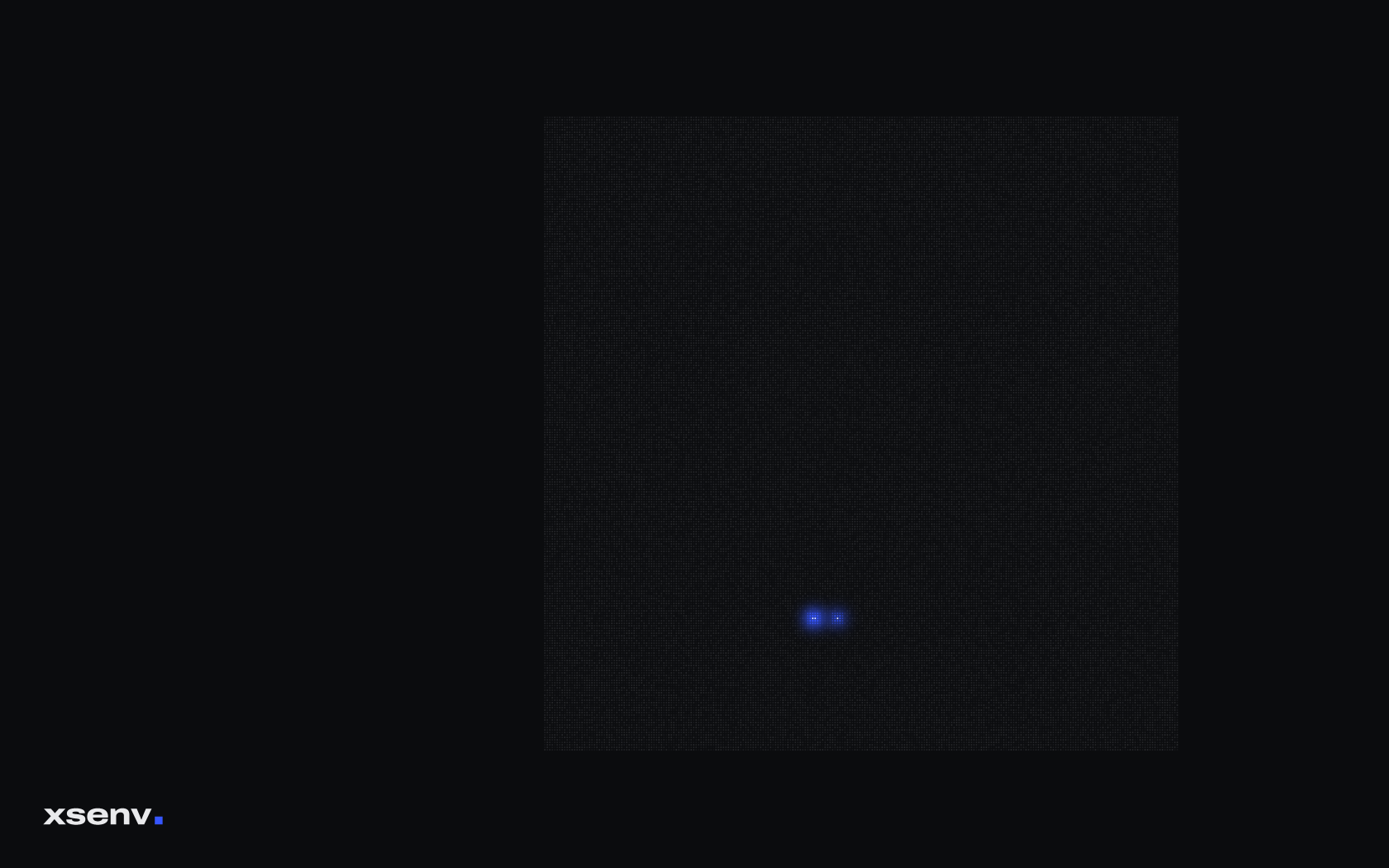

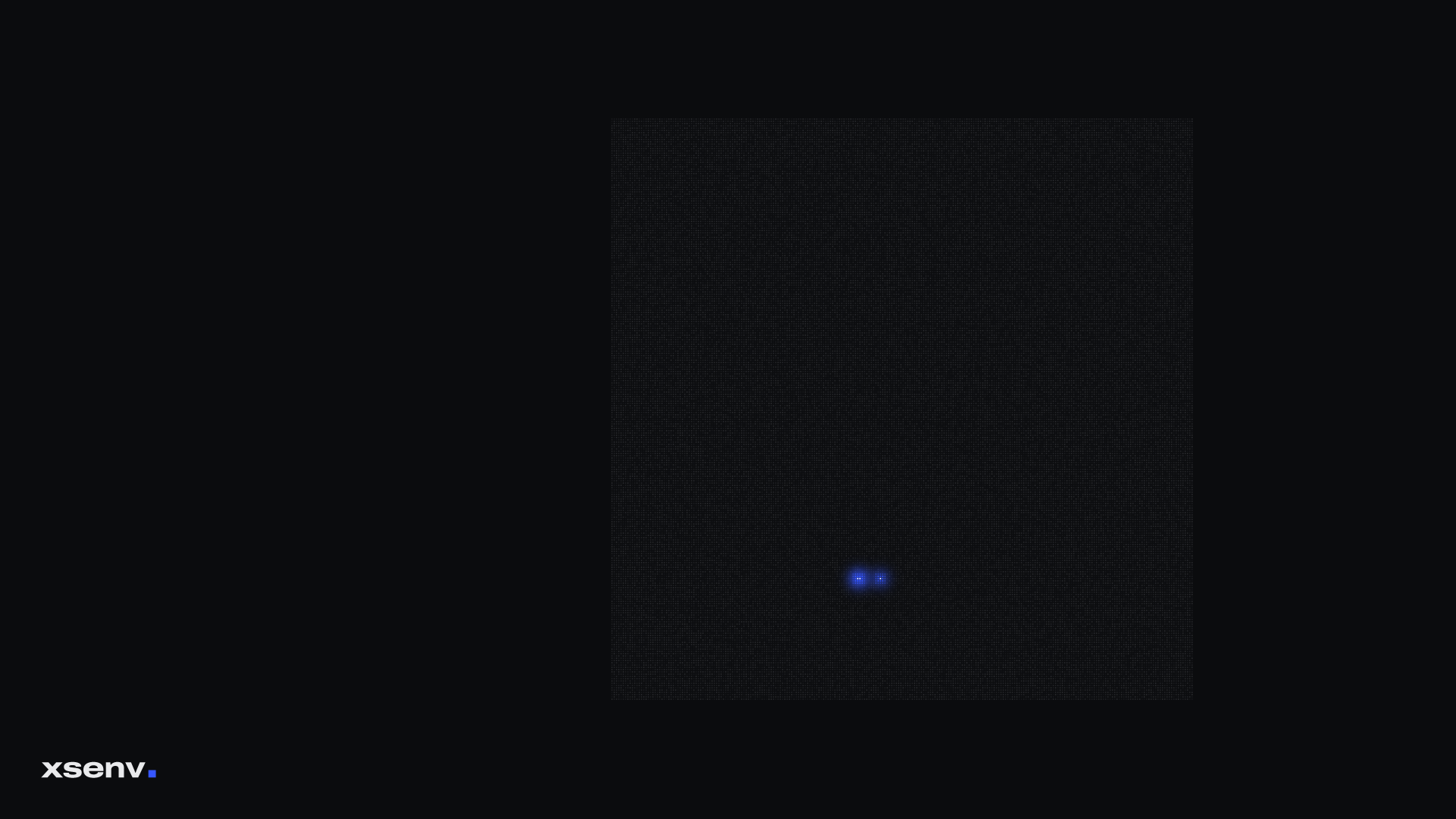

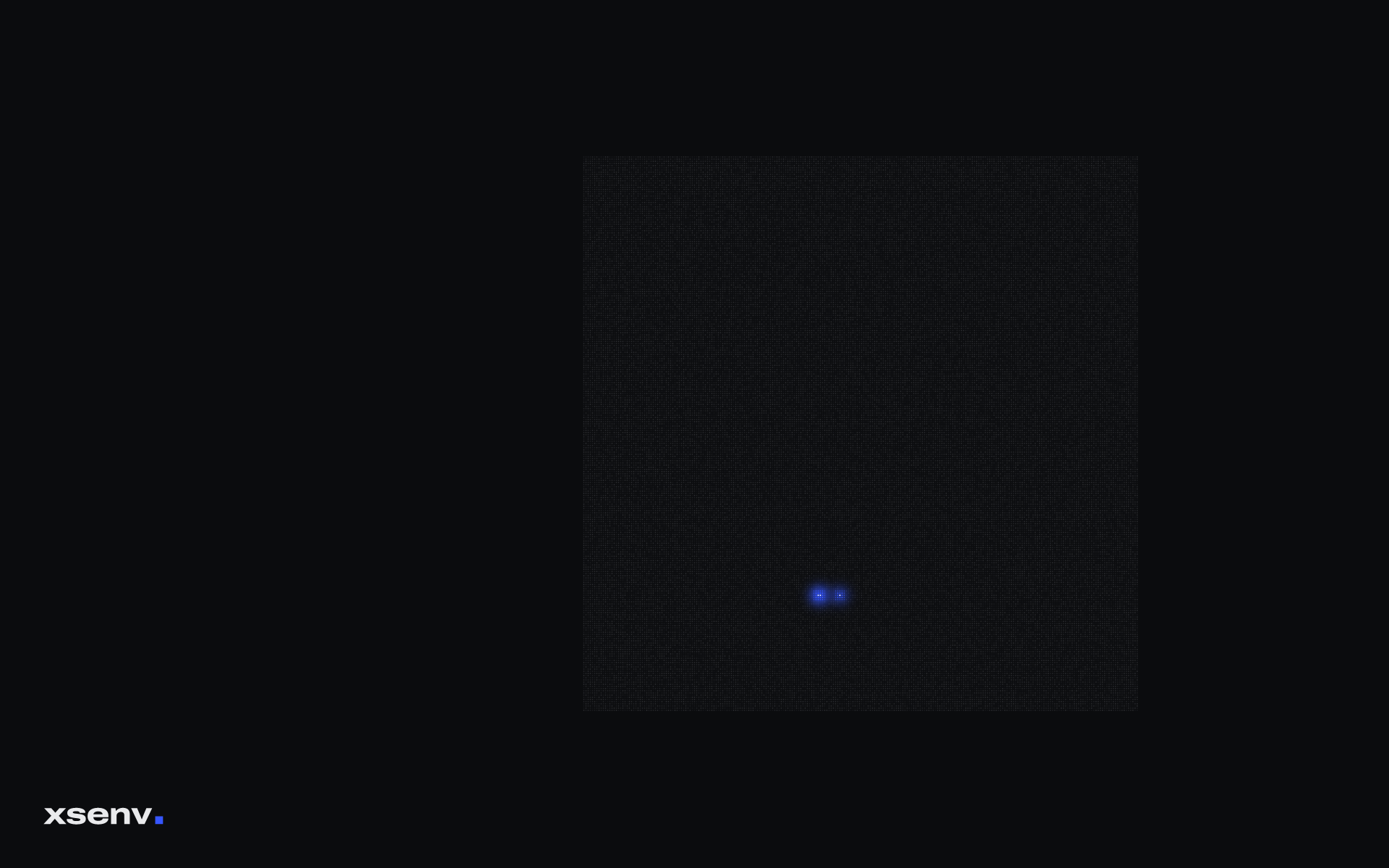



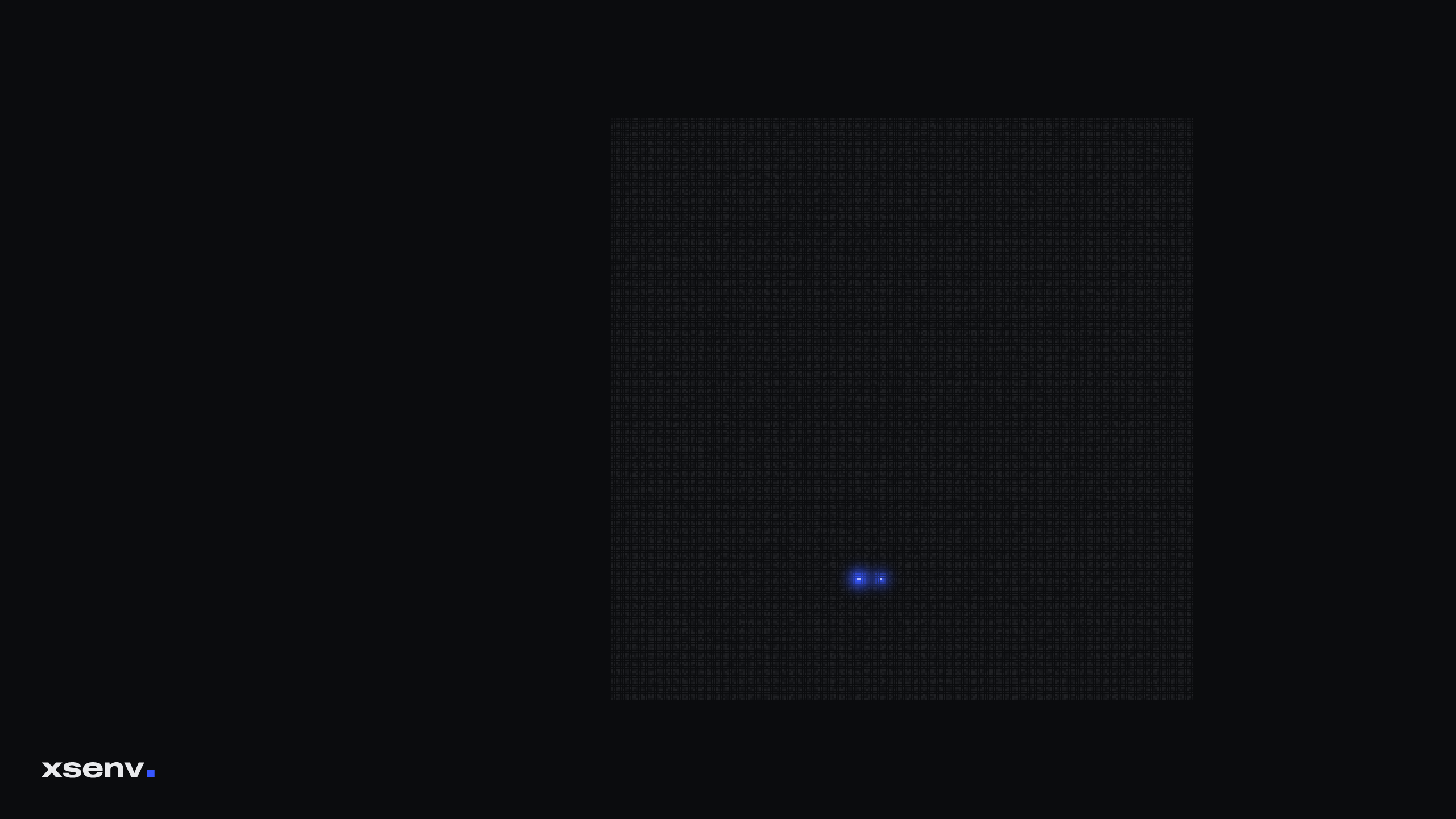

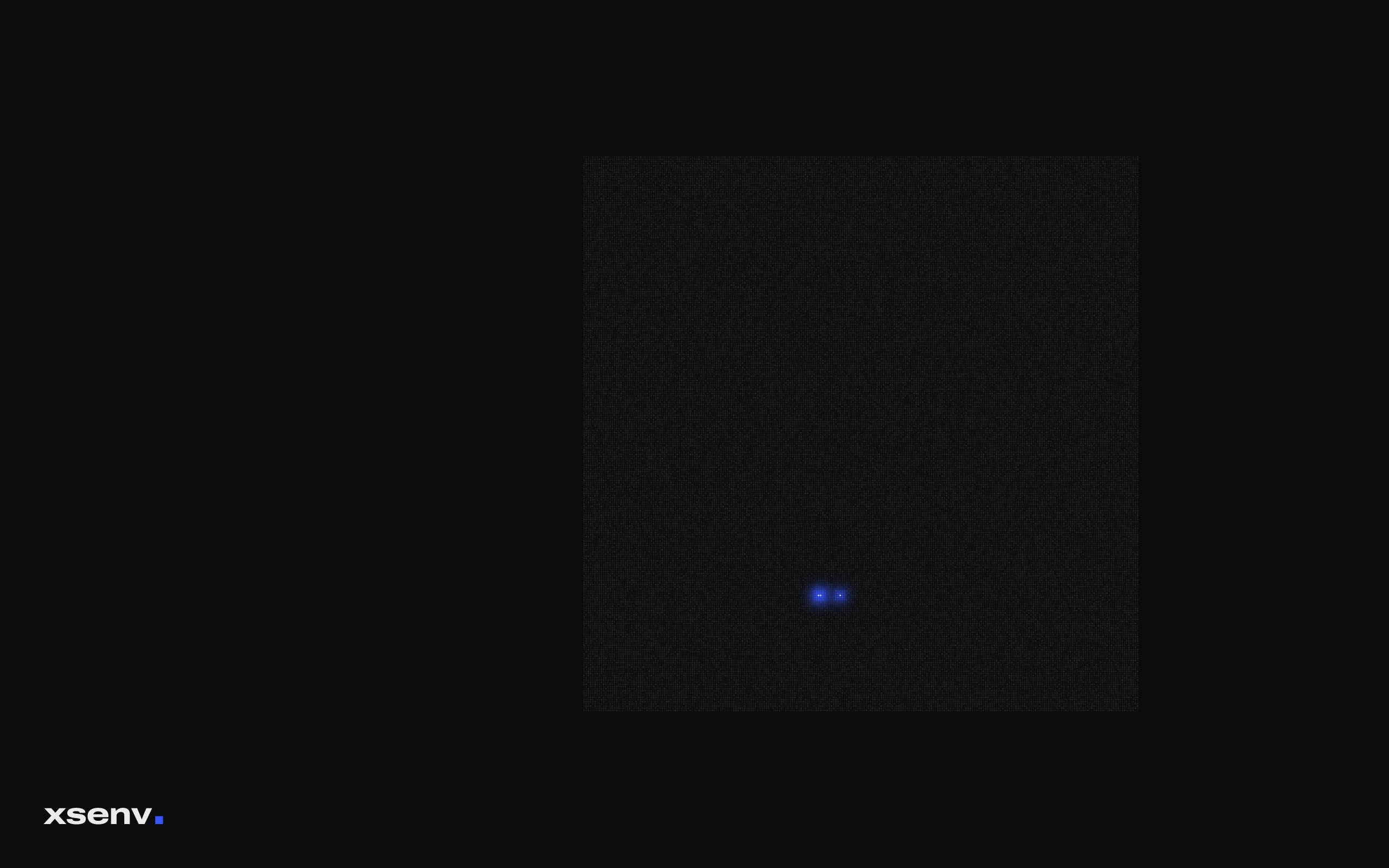

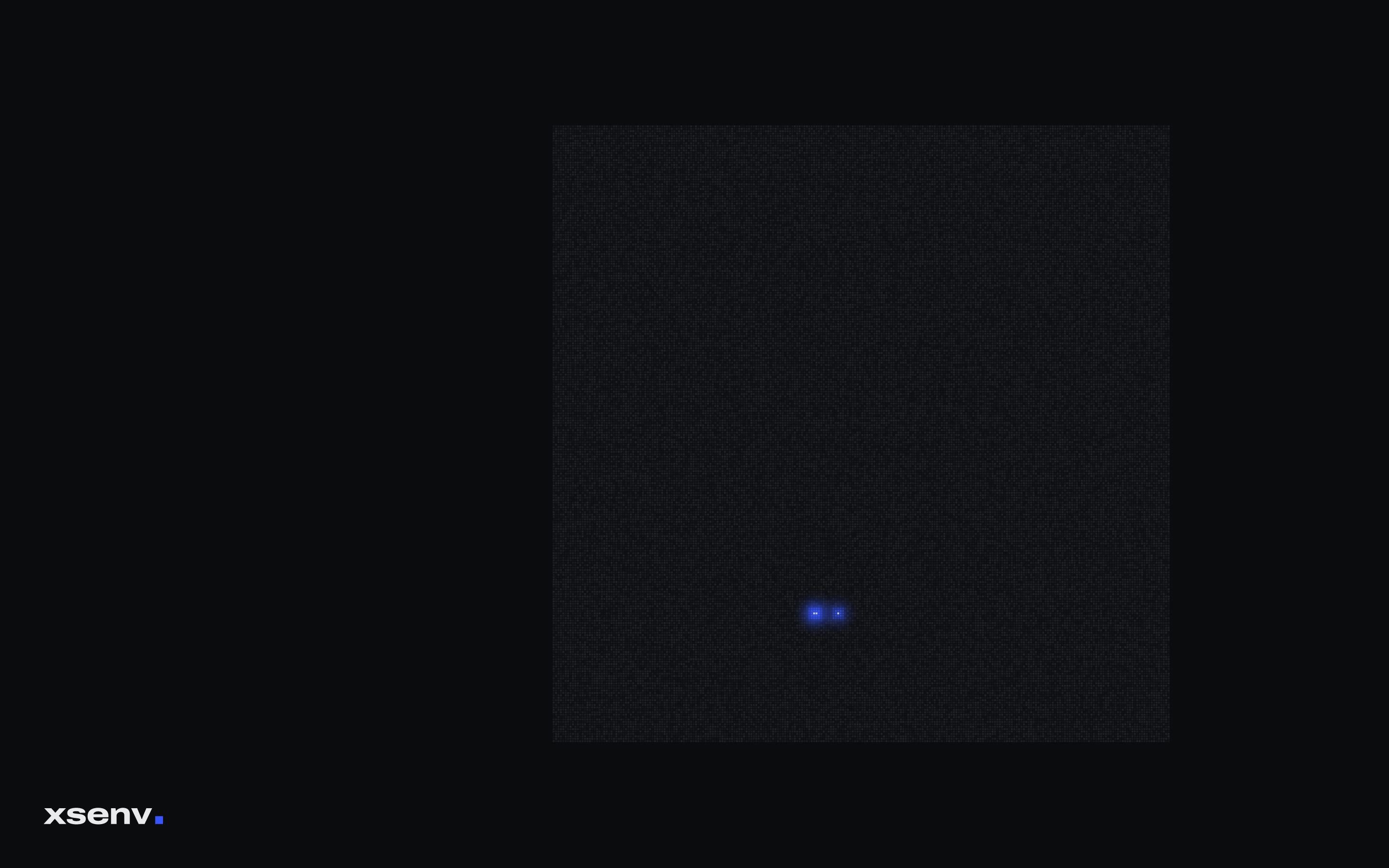





On Fedora and GNOME.
Light for the light style, dark for the dark one: GNOME switches between them by itself. Use your own size in place of 1920x1200.
mkdir -p ~/.local/share/backgrounds && cd ~/.local/share/backgrounds
curl -fsSL -O https://xsenv.com/wallpapers/xsenv-light-1920x1200.png -O https://xsenv.com/wallpapers/xsenv-dark-1920x1200.png
gsettings set org.gnome.desktop.background picture-uri "file://$PWD/xsenv-light-1920x1200.png"
gsettings set org.gnome.desktop.background picture-uri-dark "file://$PWD/xsenv-dark-1920x1200.png"
gsettings set org.gnome.desktop.background picture-options zoom
For every account on a computer.
As the system's default, so new accounts and enterprise logins get it too; accounts that chose their own wallpaper keep it. On Fedora, Silverblue included (/usr/local is writable there):
sudo mkdir -p /usr/local/share/backgrounds/xsenv && cd /usr/local/share/backgrounds/xsenv
sudo curl -fsSL -O https://xsenv.com/wallpapers/xsenv-light-1920x1200.png -O https://xsenv.com/wallpapers/xsenv-dark-1920x1200.png
sudo tee /etc/dconf/db/local.d/90-xsenv-wallpaper <<'EOF'
[org/gnome/desktop/background]
picture-uri='file:///usr/local/share/backgrounds/xsenv/xsenv-light-1920x1200.png'
picture-uri-dark='file:///usr/local/share/backgrounds/xsenv/xsenv-dark-1920x1200.png'
picture-options='zoom'
EOF
sudo dconf update
Fedora's dconf profile already reads the local database; on other systems add system-db:local to /etc/dconf/profile/user. Our own laptops get all of this from their hardening script.